

So you’ve got the flights booked (or you’re about to) and now you’re staring down a browser tab full of “do I need a visa for Japan” search results. Good news: for most travelers heading to Japan for tourism, the answer is a relieving “nope.” Here’s everything you actually need to sort out before you land — visa status, how immigration works now, and how to get around and stay online once you’re there.
Information in this guide is accurate as of July 2026. Entry rules, prices, and travel systems in Japan can change, so double-check official sources close to your travel date.
Do You Actually Need a Visa for Japan?
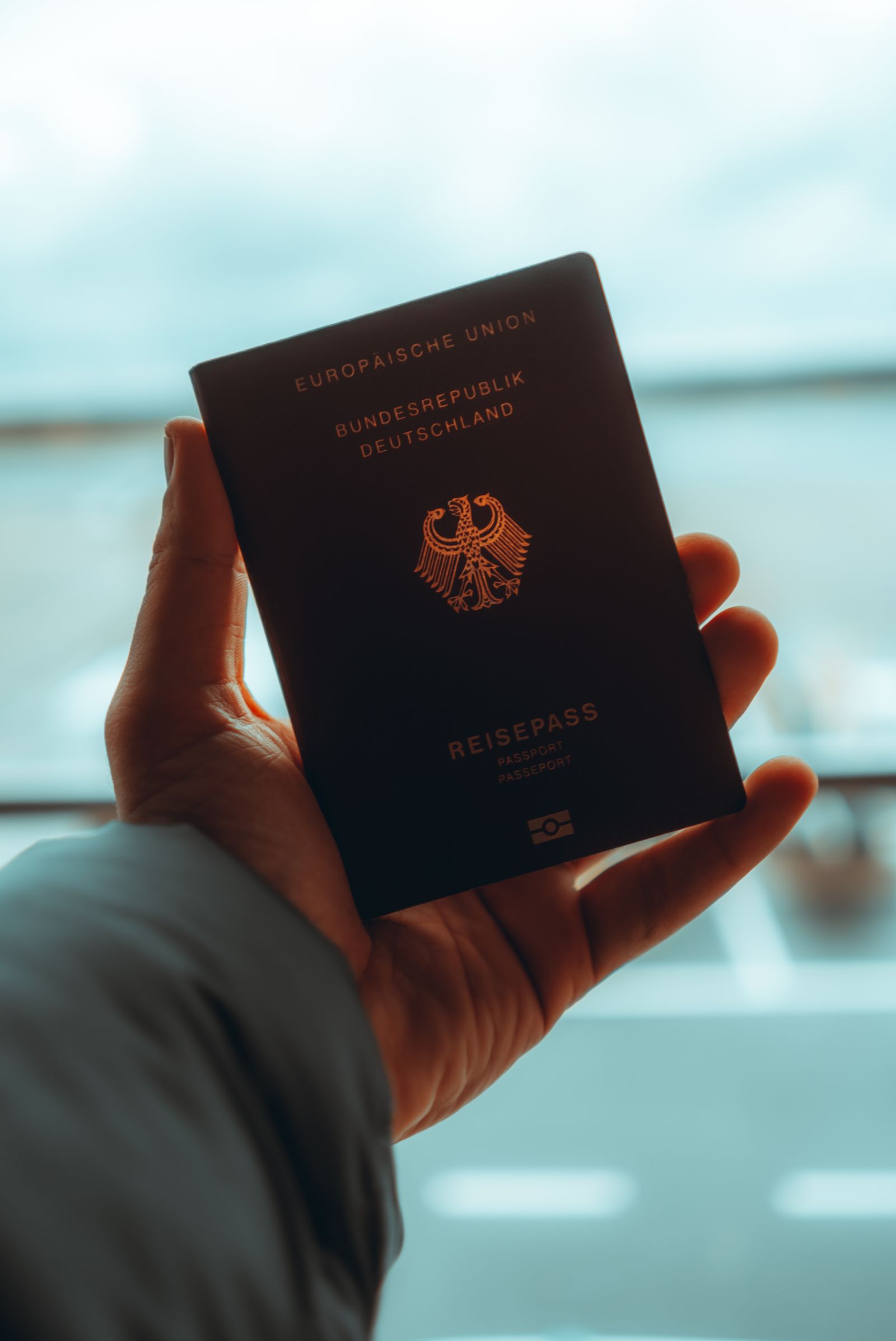
If you’re from the US, UK, EU, Australia, Canada, or one of the many other countries with a visa exemption arrangement with Japan, you can enter visa-free for short-term tourism, typically for stays of up to 90 days. No embassy visit, no application fee, no waiting weeks for a sticker in your passport. Just double-check your specific country’s arrangement (length of stay and eligible purposes can vary slightly) before you fly, since rules are set per country.
One thing worth knowing about: Japan has been developing an electronic travel authorization system (nicknamed JESTA) for visa-exempt visitors, similar to the US ESTA or Europe’s ETIAS. As of mid-2026, it’s not required yet — the government is targeting a rollout around 2028-2029. In other words, for now, a valid passport and (optionally) Visit Japan Web are all you need. We’ll update this guide the moment that changes.
Visit Japan Web: Skip the Paper Forms
Visit Japan Web is Japan’s free, official online system for pre-registering your immigration and customs paperwork. Run by Japan’s Digital Agency, it’s a website (no app download needed) that generates a QR code for both immigration and customs, so you’re not filling out paper cards on the plane or fumbling with a pen at the airport.
Register any time after booking your flight, but finish it at least six hours before you land so your QR codes are ready. Screenshot both codes before you land in case you lose signal. One account can handle up to 10 travelers, though everyone (kids included) needs their own individual QR code.
At the big three airports — Tokyo Haneda, Narita, and Osaka Kansai — a combined kiosk scans your passport and QR code together in one step. Smaller airports like New Chitose, Fukuoka, Chubu Centrair, and Naha still use the older two-counter process (immigration, then customs). Either way, using Visit Japan Web is optional — paper cards are still handed out on incoming flights if you’d rather do it old-school. Just remember: it’s a digital form, not a visa.
Getting Around: JR Pass vs. IC Cards
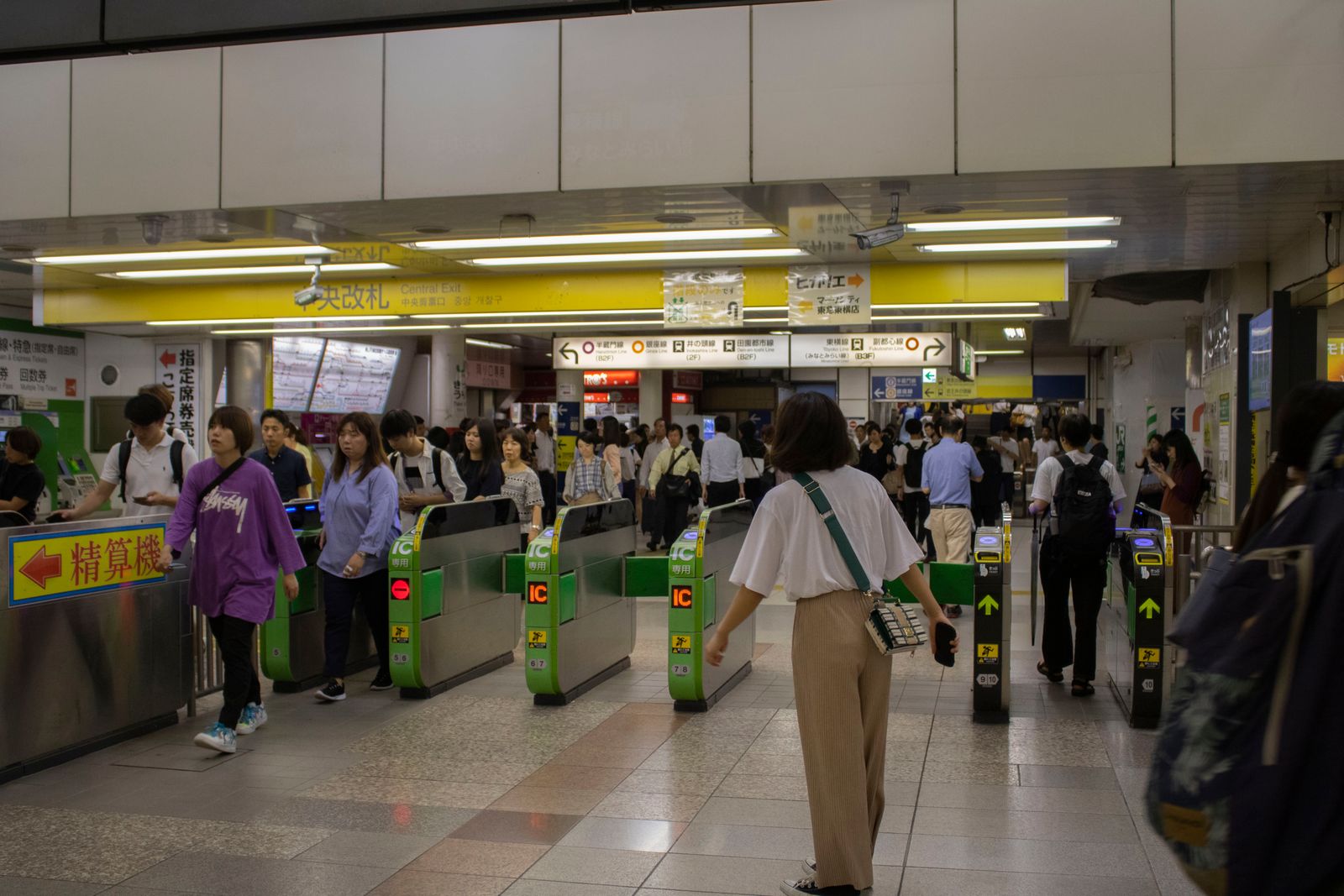
This is the question everyone asks, and the honest answer is “it depends on your itinerary.” The Japan Rail Pass (around ¥50,000 for 7 days) covers long-distance travel on eligible JR trains, including most Shinkansen (bullet train) lines. Do the math before buying: a single Tokyo-to-Shin-Osaka round trip on the bullet train already runs close to ¥28,000, so the pass mainly pays off if you’re doing multiple long-distance legs, not just sitting in one city.
For day-to-day travel — subways, city buses, local JR lines — you’ll want an IC card instead. Suica and Pasmo are the two big ones, and tourist-friendly versions (Welcome Suica, Tourist Pasmo) are available at major airports with no deposit required and about 28 days of validity, which is plenty for most trips. Outside the Kanto/Kansai hubs, cards like ICOCA work similarly, usually with a small refundable deposit. Bottom line: IC card for getting around town, JR Pass only if your trip involves serious point-to-point travel between cities.
Staying Connected: eSIM vs. Pocket Wifi
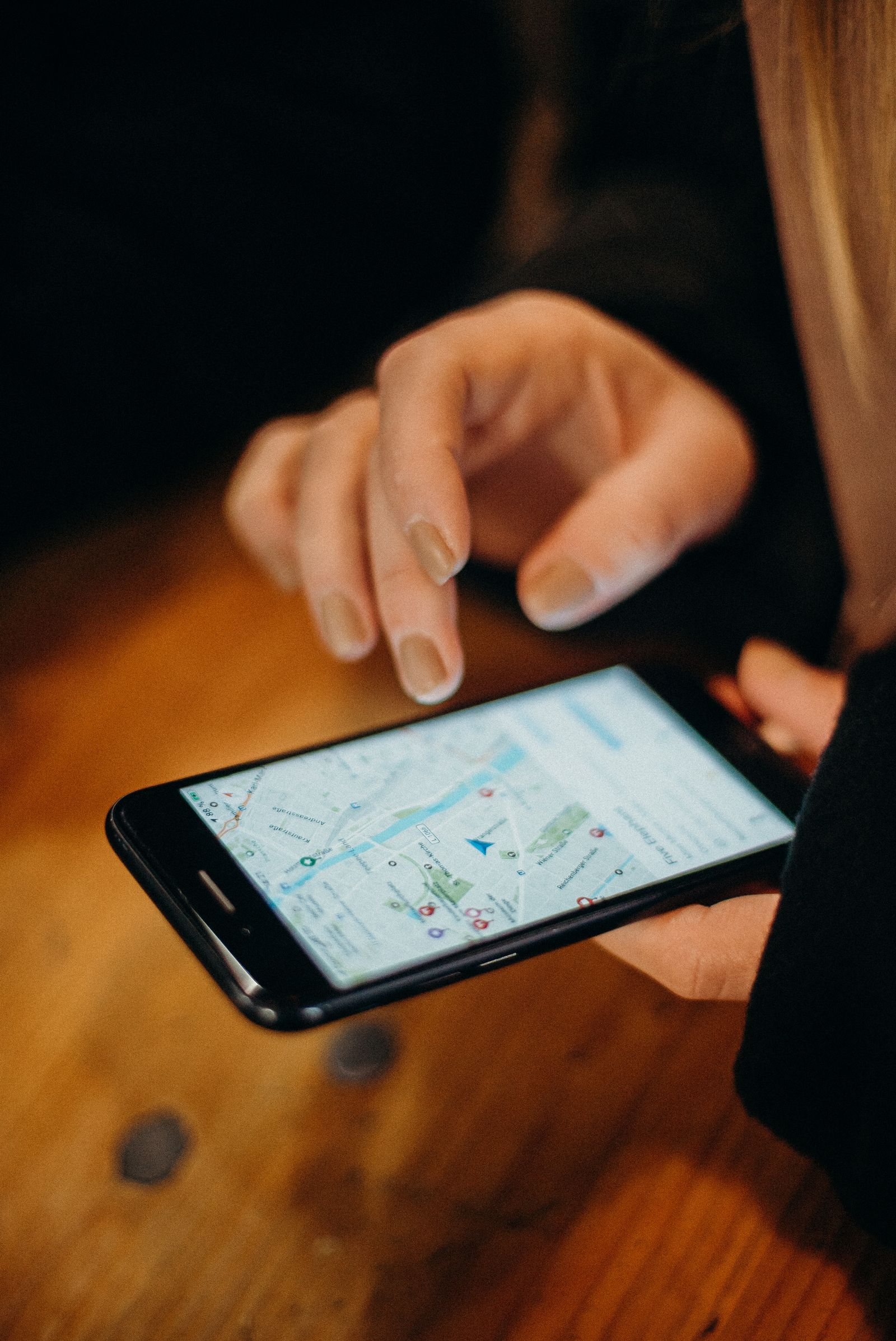
Don’t land without a data plan — you’ll want Google Maps, translation apps, and probably Instagram working from the moment you clear immigration. An eSIM is the easiest option for most modern phones: you install it before you fly, it activates automatically when you land, and plans start from around ¥1,000 for a week of data. Klook is a solid place to book a Japan eSIM ahead of time, with plans covering a range of trip lengths and data amounts. No physical SIM swap, no hunting for a kiosk.
If your phone doesn’t support eSIM, or you’re traveling with a group and want to share one connection, a pocket wifi rental is the classic alternative. Klook also offers pocket wifi bookings for Japan — reserve one online, pick it up at the airport, and return it in a prepaid envelope before you fly home. Either option beats relying on spotty convenience-store wifi.
Quick Pre-Trip Checklist
- Check your country’s visa-exemption terms and passport validity (most require 6 months’ validity left).
- Register on Visit Japan Web at least 6 hours before landing (optional but saves time).
- Decide: IC card only, or IC card + JR Pass, based on how much long-distance travel you’re doing.
- Order an eSIM or reserve a pocket wifi before you fly.
- Screenshot your QR codes, IC card balance app, and hotel confirmations in case of no signal.
None of this is complicated once you’ve done it once — most of it is “set it up before you leave home, then forget about it until you land.” Get these basics sorted and you can spend your actual trip planning the stuff that matters more: which pop-up store to hit first, and how many suitcases you’ll need for the trip home.
Heads up: Oshi Trip Japan takes part in affiliate programs, so some links on this site may earn us a small commission at no extra cost to you. Full details on our Affiliate Disclosure page.
One more thing worth reading before you land: the etiquette guide covers the unwritten rules — queueing, cash handling, trains and onsen — that visitors most often get wrong.


Comments